
Last updated November 24, 2026
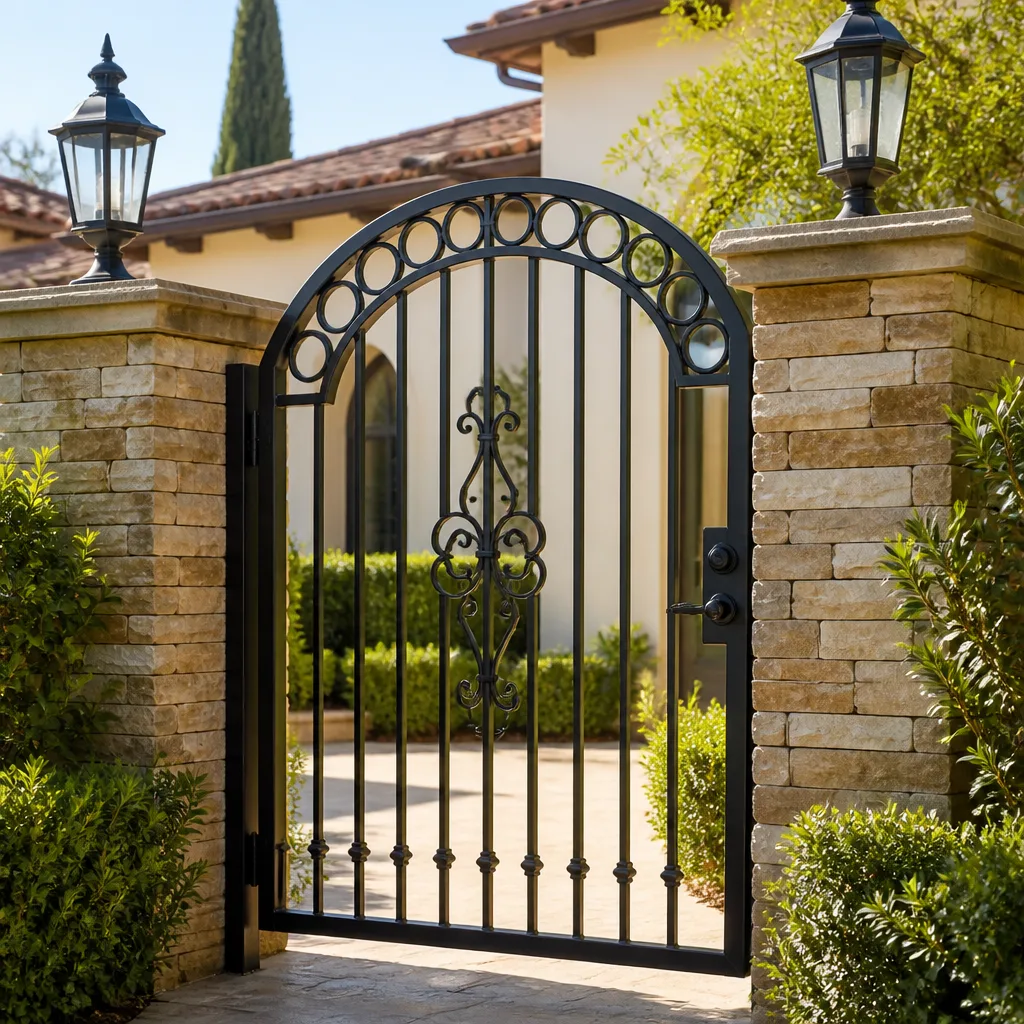 Wrought iron
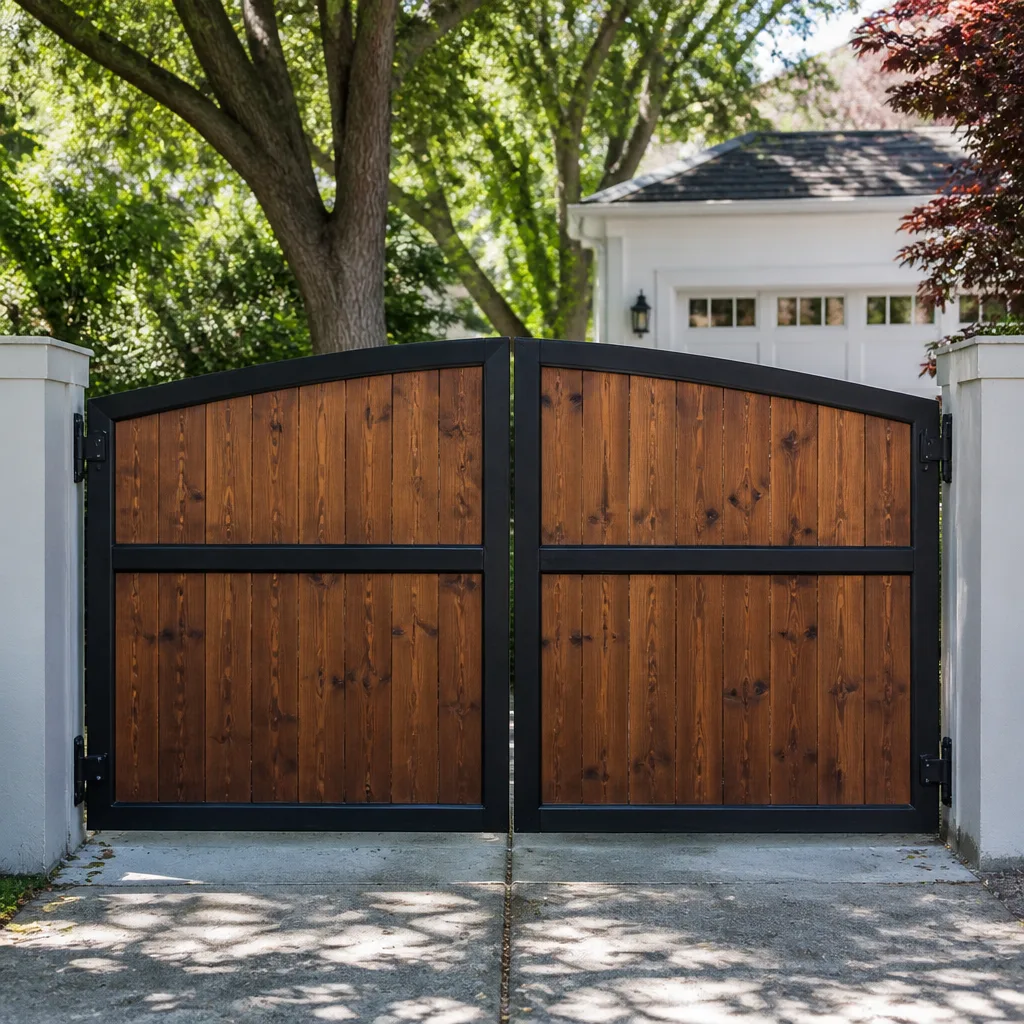 Wood & steel frame
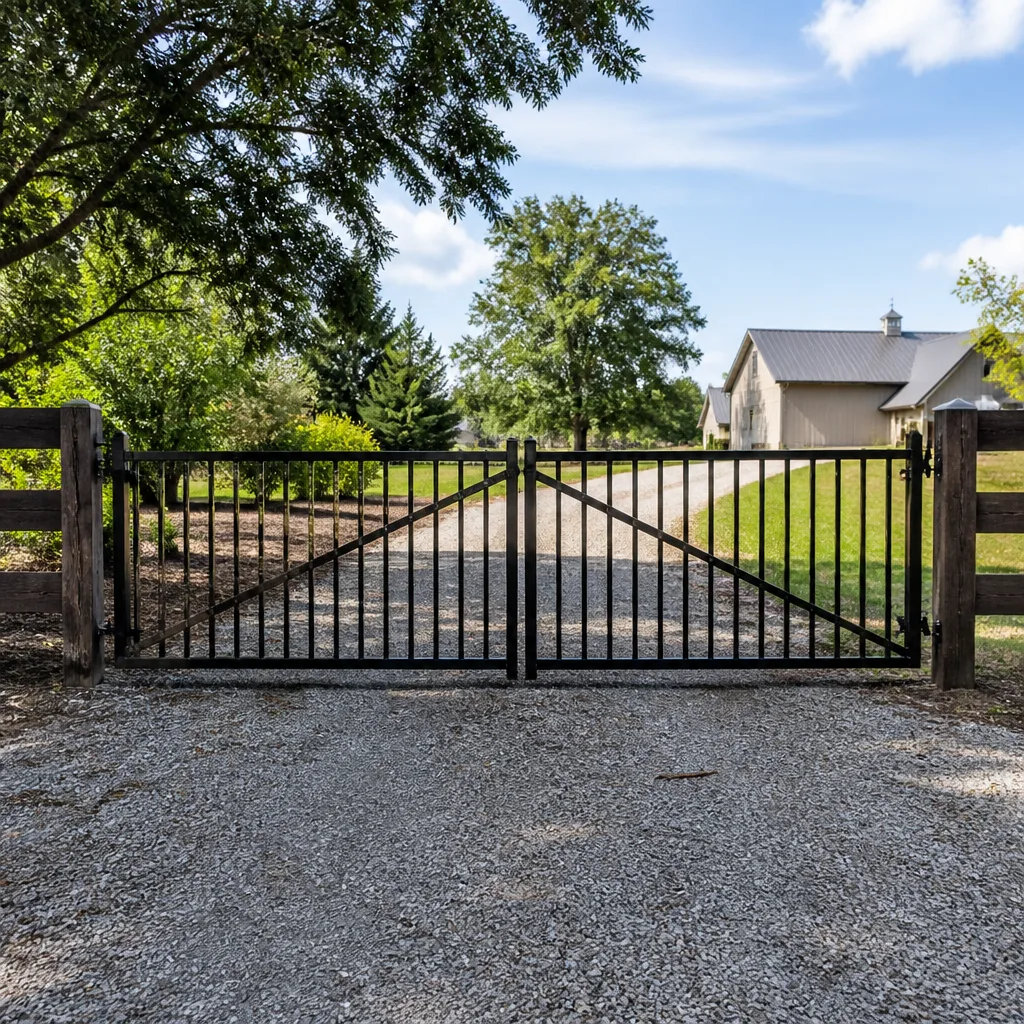 Farm & ranch
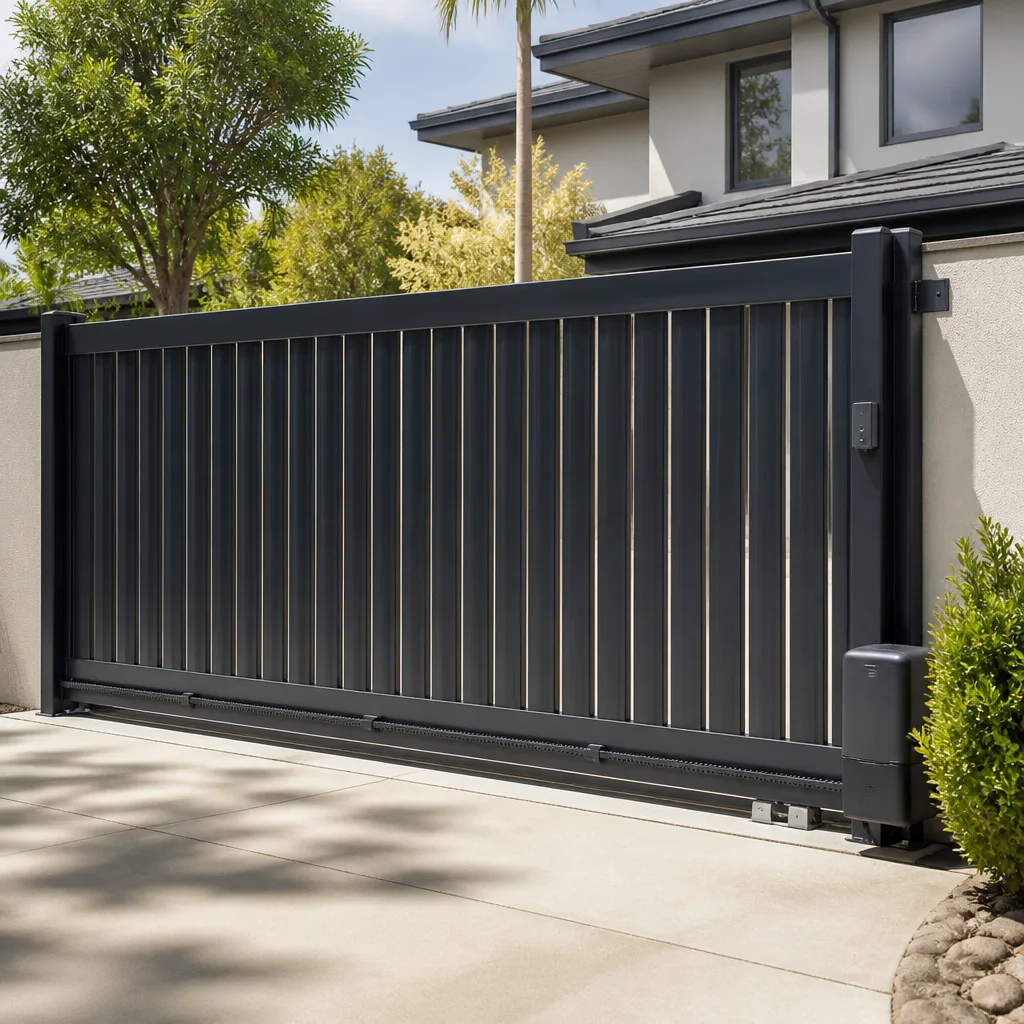 Sliding driveway gates
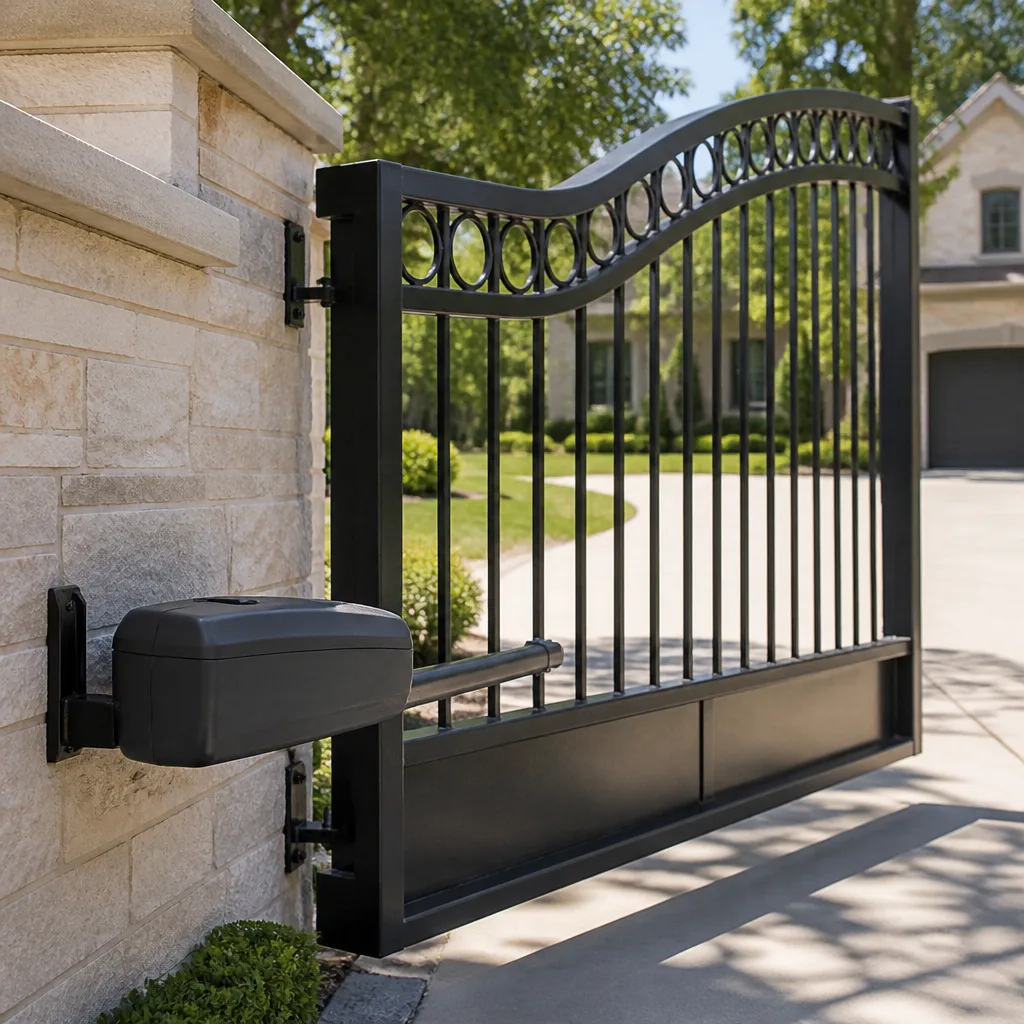 LiftMaster operators
Free on-site gate assessment - hinges, posts, and your LiftMaster or Nice gate operator checked before anything is quoted
The assessment is free and the quote is the invoice.
Get your free estimateGate Repair Warning Signs: A Centennial Hills Homeowner’s Reference Guide
A gate that hesitates for two seconds before it moves is not “warming up.” It’s a motor pushing against resistance that shouldn’t be there, and in Centennial Hills heat that same hesitation doubles as a thermal warning. Most gate failures announce themselves well before the gate stops working. The trouble is that homeowners read the signals wrong. A slow gate gets written off as “getting old.” A gate that reverses for no reason gets blamed on a sensor glitch. This guide maps the symptoms you can actually see to the causes they usually point to, so you know which warning signs mean watch and wait and which mean call before the gate strands itself closed.
Quick Answer
The most common gate repair warning signs are slowing travel speed, grinding or clicking noises, unexpected reversing, intermittent non-response, and reduced remote range. Slow, labored movement usually points to a failing motor or binding hardware. Grinding points to worn gears or dry pivots. Reversing and intermittent non-response usually point to the control board, wiring, or safety sensors. In Centennial Hills, a gate that quits during the hottest part of the afternoon and works again in the cool of the morning is showing a heat-related motor cutout, not a dead motor.
Styles & brands we work with
- Wrought iron
- Wood & steel frame
- Farm & ranch
- Sliding driveway gates
- LiftMaster operators
Table of Contents
- Symptom-to-Cause Map: What Each Warning Sign Is Telling You
- Intermittent Failure vs. Progressive Failure
- Access Control Warning Signs Most Homeowners Miss
- Centennial Hills Heat: Motor Cutout or Genuine Motor Failure?
- The “Call Now vs. Watch It” Decision Guide
- Why Brand Knowledge Matters in Diagnosis
- What a Centennial Hills Season Does to a Gate
- Common Mistakes to Avoid
- When to Call a Professional
Symptom-to-Cause Map: What Each Warning Sign Is Telling You
An automated gate gives you clues constantly. The skillset that matters is separating a symptom that’s cosmetic from one that predicts a failure. Here’s the reference we use when a homeowner describes gate behavior over the phone. If you find your gate on this list, you’re already most of the way to knowing whether to worry.
- Gate moves slower than it used to: Most probable causes are a motor drawing excess amperage, binding hinges, or a drive chain that’s too tight or too loose. Slow travel is the single most misread sign on any automated gate because the gate still works. It’s working harder than it should, and the motor is running hotter because of it.
- Grinding or metal-on-metal sound: Worn gears inside the operator, a dry pivot, or debris in the track on a sliding gate. Grinding is mechanical, and it tends to get worse faster than any other symptom.
- Gate reverses before it fully closes: Usually a safety sensor seeing an obstruction that isn’t there, a misaligned photo-eye, or a failing capacitor on the control board. It looks electronic because the gate is “deciding” to reverse. It usually is electronic, and it often precedes a full board failure.
- Gate clicks but doesn’t move: The operator is receiving the command and failing to act on it. Common causes are a failed start capacitor, a stripped gear, or a control board relay that’s given up. This one rarely gets better and often strands the gate in the open position.
- Remote works only up close: A weakening receiver, a failing remote battery, or interference from a newly installed device on the property. Range reduction is an early access-control warning sign and often shows up weeks before the gate stops responding to the keypad.
- Gate stops mid-travel and restarts after a pause: Almost always a thermal cutout. The motor is overheating and protecting itself. In Centennial Hills, this pattern gets blamed on the motor being “old” more than any other symptom we hear about.
Notice the split. Slowness and grinding are mechanical, and they tend to progress. Reversing, range loss, and intermittent non-response are electrical, and they tend to come and go. That divide is the most useful diagnostic tool a homeowner has.
Intermittent Failure vs. Progressive Failure
Gate problems fall into two families, and knowing which family you’re in tells you a lot about what’s coming. Intermittent failure shows up, disappears, and returns on its own schedule. Progressive failure gets steadily worse in a straight line. The two need different responses, and mixing them up is how homeowners end up replacing parts that weren’t broken.
Intermittent failure: usually electrical
When a gate works Tuesday, fails Wednesday, and works again Thursday, the mechanical drive is probably fine. What’s failing is the control side: the board, the wiring, the receiver, or a sensor on the edge of functioning. Intermittent problems are the most frustrating to live with because the gate “works fine” the moment a technician arrives. They’re also the most likely to be misdiagnosed as mechanical by someone who isn’t familiar with the specific operator. A failing board capacitor can cause the same reversing behavior as a misaligned sensor, and swapping sensors won’t fix a capacitor. On a DoorKing system, the access electronics and the operator communicate in specific ways, and reading that communication correctly is what shortens the diagnostic. A technician who works on DoorKing systems specifically knows where to look first.
Progressive failure: usually mechanical
Progressive failure is steady and unforgiving. The gate gets a little slower every month. The grinding gets a little louder. A sliding gate starts dragging at one end of its run. These are worn gears, low hydraulic fluid, dry pivots, or corroded hardware. Mechanical wear doesn’t self-correct, and it accelerates once clearances open up. The useful habit here is comparison: if you can remember exactly how fast the gate moved last year and it’s now noticeably slower, that’s progressive failure in motion.
How to tell them apart in one minute
- Watch the gate complete five full open-and-close cycles in a single session.
- Note whether the problem shows up every cycle (progressive) or only sometimes (intermittent).
- Note whether the sound changes over those five cycles. A motor that gets louder as it heats up is a mechanical load problem.
- Note whether the gate fails at the same point in travel every time. Same point means mechanical binding. Random point means electrical.
Access Control Warning Signs Most Homeowners Miss
The gate itself is the visible half of the system. The access board, keypad, intercom, and loop detectors are the half that fails first and gets noticed last. In our experience, access control symptoms tend to show up two to six weeks before the gate stops responding entirely. When the keypad starts lagging or the remote only works from inside the driveway, the access board is already struggling.
- Keypad lag: A keypad that takes longer to register a code or beeps twice before opening is usually a sign of a low-voltage supply problem or a failing access board. If it takes the first four digits, pauses, then accepts the fifth, the board is dropping input.
- Remote range reduction: A remote that used to open the gate from the street and now only works from the driveway often points to a weakening receiver, a degraded remote battery, or radio interference. Range loss is gradual, which is why it goes unnoticed until the gate is already unreliable.
- Loop detector false triggers: On a commercial or gated-community property, a gate that opens when no vehicle is present usually means the loop detector is seeing interference or the loop itself has partially failed. Loop false triggers are the most common cause of a gate that seems to open “for no reason.”
- Intercom crackle or dead line: A video or audio intercom that cuts out or crackles points to wiring or a failing control unit. It’s almost never the speaker.
- One entry point works, another doesn’t: If the keypad opens the gate but the remote doesn’t, or the exit loop works but the entry keypad doesn’t, the problem is in the access logic on the board, not the gate.
Access control diagnosis is where most general handymen stop and where a gate specialist earns their keep. On an Elite access system or a Ghost Controls operator, the access side and the drive side share electronics in specific ways, and a problem that looks like a gate mechanical issue can turn out to be an access board fault. That’s the reason we diagnose access and operator together rather than treating them as separate jobs. If your gate needs gate motor & opener attention alongside access repairs, both get addressed in the same visit.
Centennial Hills Heat: Motor Cutout or Genuine Motor Failure?
Centennial Hills sits at elevation on the northwest edge of the Las Vegas Valley, and summer afternoons push both temperature and UV to levels that operators elsewhere never see. A gate motor that’s fine in April can behave strangely in July. The trouble is that heat-related behavior looks almost identical to a failing motor, and the two get confused constantly.
The thermal cutout pattern
Motor overheating triggers a thermal protection feature built into most operators. When the motor’s internal temperature climbs past its threshold, it shuts off to protect itself, waits, and restarts. That’s exactly the “stops mid-travel, restarts after a pause” pattern above. A thermal cutout is not a failure. It’s the motor telling you it’s working too hard for the conditions. The distinction matters because a technician who doesn’t know the local climate might see a slow motor and quote a full replacement when the real problem is binding hardware that’s loading the motor in the first place.
How to tell them apart without a multimeter
- Time the failures. If your gate fails reliably during the hottest part of the afternoon and works fine in the morning, you’re looking at a thermal cutout. A genuinely failing motor fails regardless of the time or temperature.
- Listen for the pitch change. A motor laboring under mechanical resistance gets louder as it heats up. A motor that’s simply failing at the electrical level gets quieter or stops responding.
- Feel the housing (carefully) after a failure. An operator housing that’s hot enough to be uncomfortable five or ten minutes after a failure is running hot. An operator that’s warm but not hot is probably fine.
- Check for anything binding. Hinges, tracks, chains, and latches. A gate that binds when hot but runs free when cool is showing you that the hardware is the problem, and heat is just the trigger.
- Look at how often the gate runs per day. High-cycle gates (a busy driveway, a commercial entry, a gated property) build heat faster and have less time to cool between cycles.
When the pattern is thermal, the fix is usually hardware and adjustment, not replacement. When the motor is genuinely failing, no amount of shade, timing, or adjustment will help. A trained technician can tell the difference on-site, and this is exactly the kind of call we get all summer across Centennial Hills.
The “Call Now vs. Watch It” Decision Guide
Not every symptom is a call. Some genuinely are normal behavior or self-correcting. Others are warnings you’ll regret ignoring. Here’s how we triage.
Call now
- Gate reverses on its own, repeatedly. The safety sensors or control board are failing, and a gate that reverses unpredictably is a gate that can close on a vehicle or a person. This is the one warning sign that always moves to the top of the list.
- Gate clicks but doesn’t move at all. You’re one power cycle away from a gate that won’t open, and if it’s already closed, it stays closed.
- Grinding that’s louder than it was a month ago. Worn gears don’t stop wearing, and a stripped gear turns a repair into a motor replacement.
- Loop detector that opens the gate with no vehicle present. An unattended gate opening at random is a security event, not a maintenance item.
- Any sign of smoke, a burning smell, or visible damage to the wiring. Stop using the gate. A high-voltage or mains-powered operator with damaged wiring is genuinely dangerous, and it’s not a job for a homeowner to investigate.
Watch it
- Slow travel that hasn’t gotten worse. Track it over a few weeks. If the speed holds, it’s minor. If it’s dropping, call.
- Remote range reduction. Replace the remote battery first. If range is still short after that, the receiver or access board is next.
- Occasional thermal cutout in summer. A single failure on the hottest afternoon of July is a design limitation. Failures every afternoon are a hardware problem.
- One missed keypad entry per month. Probably a worn keypad or a low battery in a fob. If it becomes every other day, the access board is failing.
- A single grinding noise on a cold morning. Dry pivot. Lubrication and adjustment usually handle it.
What to have ready when you call
Brand of operator, approximate age of the installation, whether the gate is sliding or swinging, whether the problem is consistent or intermittent, and when in the day it happens. That’s the whole list. It makes diagnostic scheduling far faster than a vague description, and it points the technician straight to the right parts before they arrive.
Why Brand Knowledge Matters in Diagnosis
Warning signs are not universal. The same symptom on two different operators can point to two different causes. A reverse-before-closing pattern on a Mighty Mule operator with a mechanical limit switch is often a limit-switch adjustment issue. The same pattern on a LiftMaster with an encoder is more likely a board problem. A technician who only knows one brand tends to apply that brand’s logic to every gate, and that’s how straightforward fixes turn into unnecessary replacements.
We work on LiftMaster, FAAC, BFT, Linear, Viking, Ghost Controls, DoorKing, Elite, and Mighty Mule systems specifically. That matters when you’re describing a symptom over the phone and the technician already knows what a Ghost Controls operator sounds like when its drive gear is worn versus when its control board is failing. Brand fluency shortens diagnosis. It also keeps the repair targeted. We repair what you have before we recommend replacing it, and that principle holds on any brand whether or not the manufacturer still supports the parts. If the diagnosis points to a full replacement rather than a repair, we’ll tell you that plainly. When that’s the right call, we handle gate installation as well, so you’re not forwarding a diagnostic to a second vendor.
What a Centennial Hills Season Does to a Gate
Gate wear in Centennial Hills doesn’t happen at an even pace across the year. It clusters around the seasonal swing. UV exposure, dust, and the daily temperature range all work on the hardware and the electronics at the same time. And the pattern is mostly predictable.
- Summer heat loads the motor. Every operator runs hotter in July and August, and thermal cutouts rise. Motors that were marginal in spring become visibly slow in summer.
- Winter-to-summer temperature swings loosen hardware. The daily range between cool mornings and hot afternoons causes expansion and contraction that works fasteners and pivots loose over time. Gates that were aligned in spring drift out of alignment by late summer.
- Dust collects in tracks and on photo-eyes. A sliding gate track filled with windblown dust binds the gate. A photo-eye covered in dust “sees” an obstruction and triggers a reverse. The first “repair” for either is a cleaning, but a homeowner who doesn’t know that assumes a mechanical failure.
- UV attacks the enclosure and the wiring. Sun-exposed operator enclosures, keypads, and cabling age faster than shaded ones. A keypad that starts to crack or fade is often the first sign of UV damage on the access side.
- Monsoon-season wind events stress heavy panels. Heavy swinging gates under wind load put extra strain on hinges, latches, and the operator. A gate that binds after a wind event isn’t failing on its own. It was pushed out of adjustment.
If you know what your gate usually sounds like, you’ll catch seasonal drift early. That’s the single cheapest thing a homeowner can do for a gate. Listen to it once a month and compare.
Common Mistakes to Avoid
- Assuming slow means old. A slow gate is working against something. Most commonly it’s binding hardware, a chain tension problem, or dry pivots, and adjusting those costs far less than a motor replacement. Treating slowness as inevitable is how a fixable hardware issue turns into a full operator failure.
- Cleaning photo-eyes with the wrong approach. Photo-eyes on a Centennial Hills gate collect dust constantly, and dirty lenses cause reverse-on-close. Wipe the lenses with a soft cloth, not a solvent. Solvents cloud the plastic and the problem gets worse, not better.
- Replacing the remote before testing the receiver. Range loss gets blamed on the remote every time. Remote batteries are cheap and worth replacing first, but if the new battery doesn’t fix the range, the receiver or access board is the real problem, and a new remote is wasted money.
- Ignoring access symptoms until the gate stops. Keypad lag, loop false triggers, and intercom crackle are early warning signs. Wait long enough and the access board fails outright. Repairing a struggling board costs less than replacing one that’s dead.
- Calling a general handyman for an electrical gate. Gate operators involve mains wiring and, on commercial gates, three-phase power. A handyman who is comfortable with a swinging fence but not with a control board, a loop detector, or an access panel will spend more time diagnosing than a gate specialist spends fixing.
- Assuming a thermal cutout means a dead motor. In Centennial Hills summer heat this is the most expensive wrong assumption a homeowner can make. Thermal cutouts are usually a symptom of binding hardware, not the failure of the operator.
- Not shutting the gate down when something looks wrong electrically. If you see smoke, a burning smell, or damaged wiring, stop using the gate and call a professional. Investigate nothing inside the operator housing or the access panel yourself. The voltages involved are high enough to injure you seriously.
When to Call a Professional
Call a professional when the gate reverses unpredictably, when it clicks but won’t move, when the grinding gets louder, or when anything smells like burning. Those four are the non-negotiable ones. Call also when a symptom has been slowly getting worse for more than a month, or when you have an intermittent failure that’s starting to happen more often. Intermittent access problems and slow gate travel are the two most common “wait and see” calls that turn into “emergency” calls later. The reverse case is also real: thermal cutouts on the hottest afternoons, dust in the track, or a remote battery that’s run down are routine issues that don’t need a service call. Recognizing which side of that line you’re on is what this guide is for.
If your gate is between the two, a diagnostic visit is worth it. Gate Repair Centennial Hills offers free estimates in Centennial Hills. Call (877) 745-4728. We answer 24/7. Fast dispatch from 7am to 7pm, Sunday through Friday. Whether the fix is a hinge adjustment, an access board, or a motor replacement, the price is quoted and agreed before any work starts.
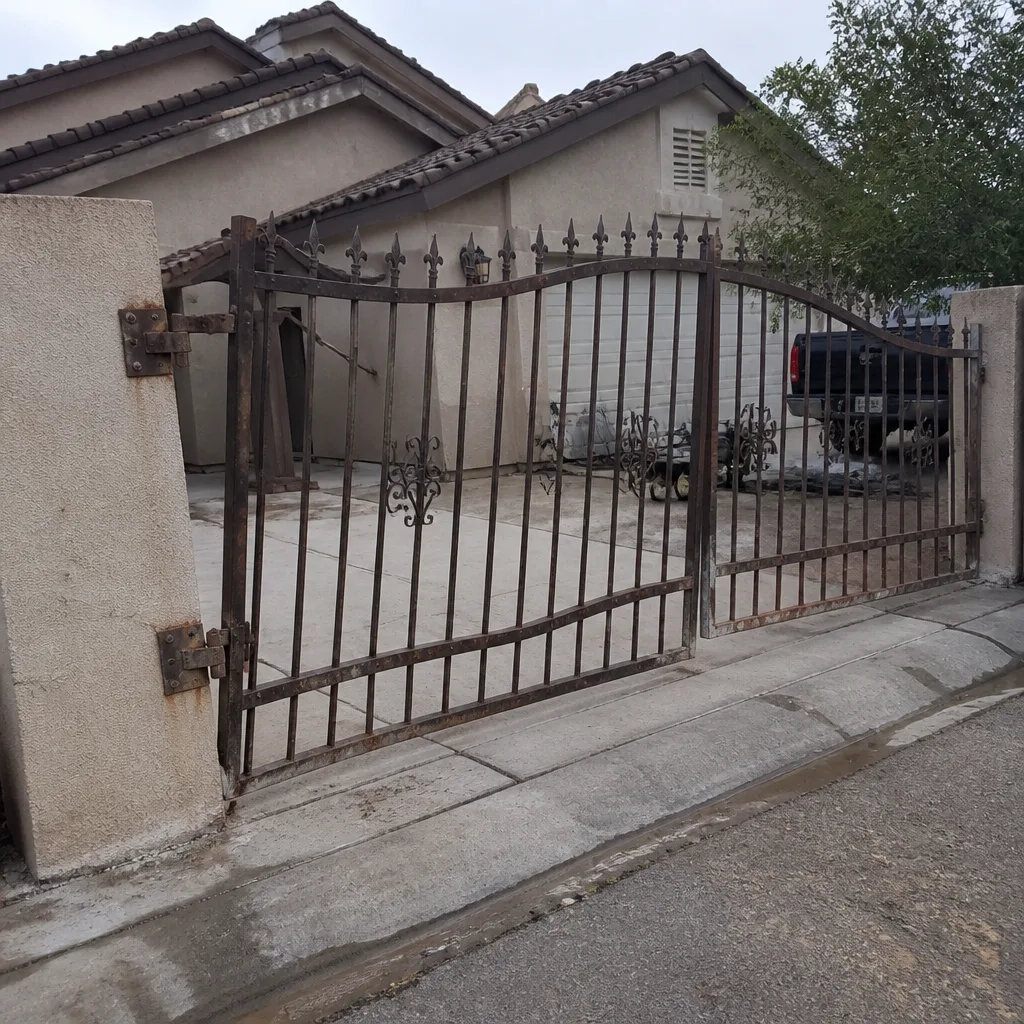
See the difference
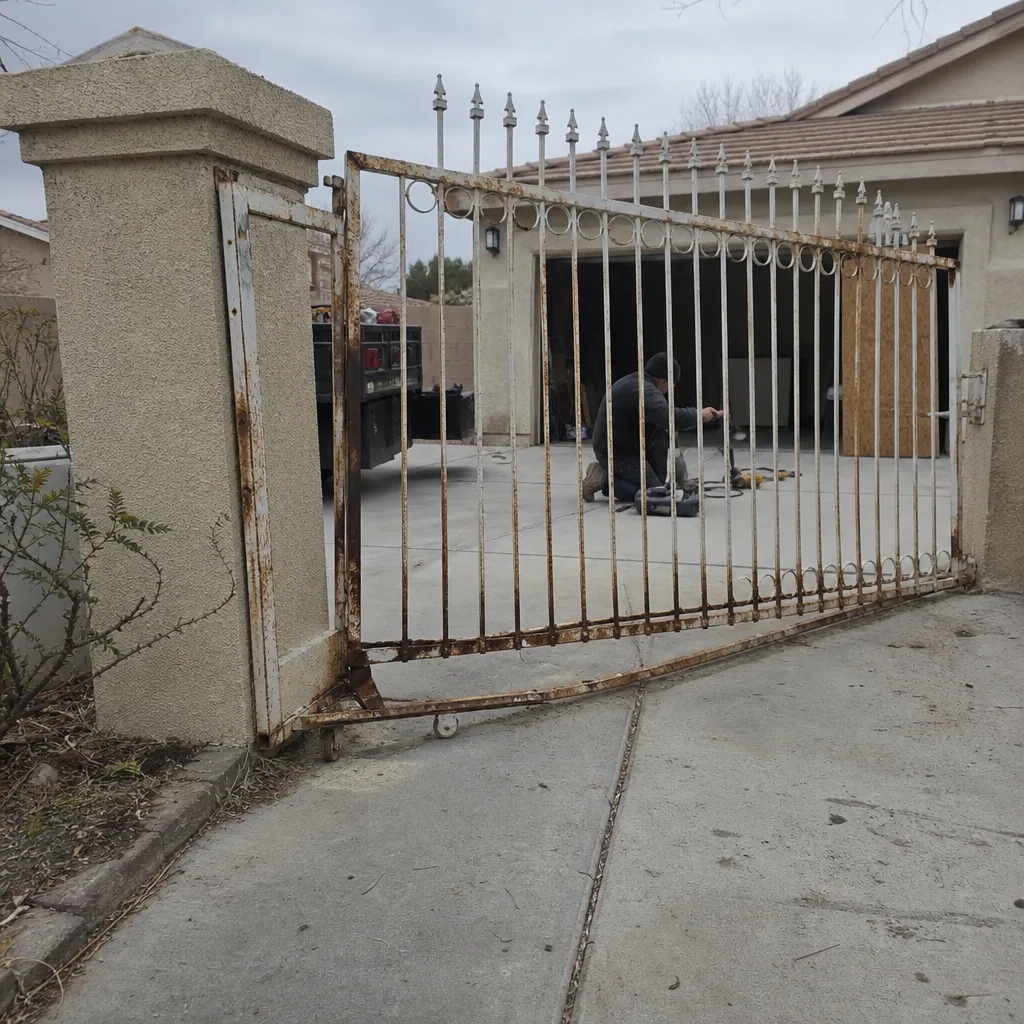 Before
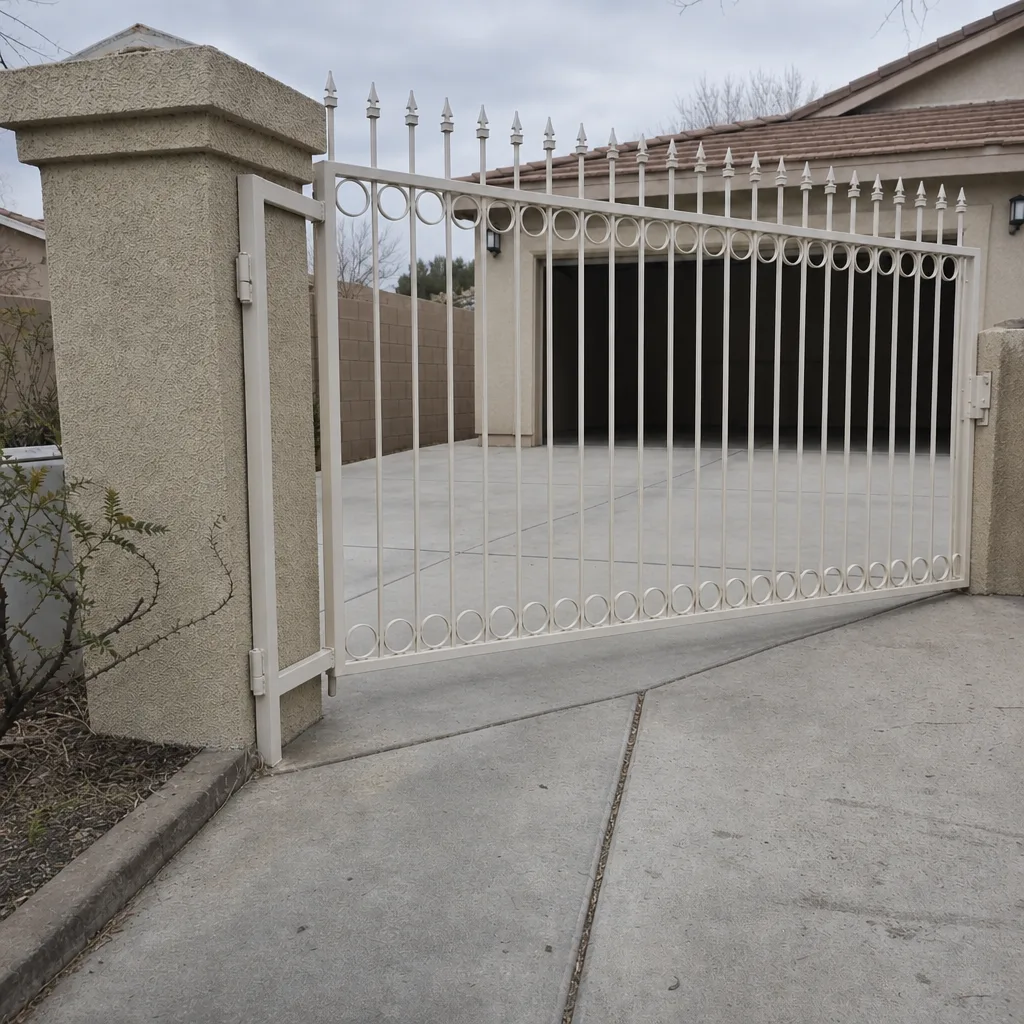 After
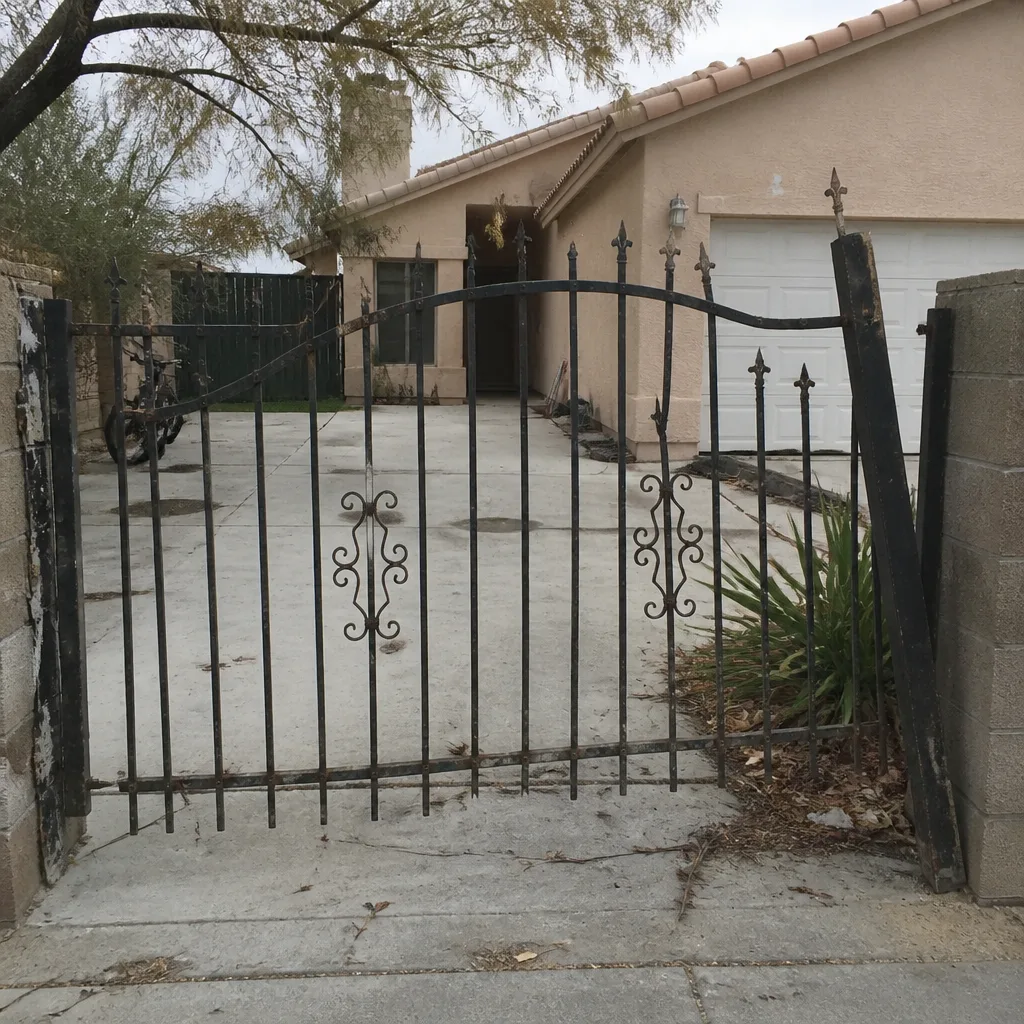 Before
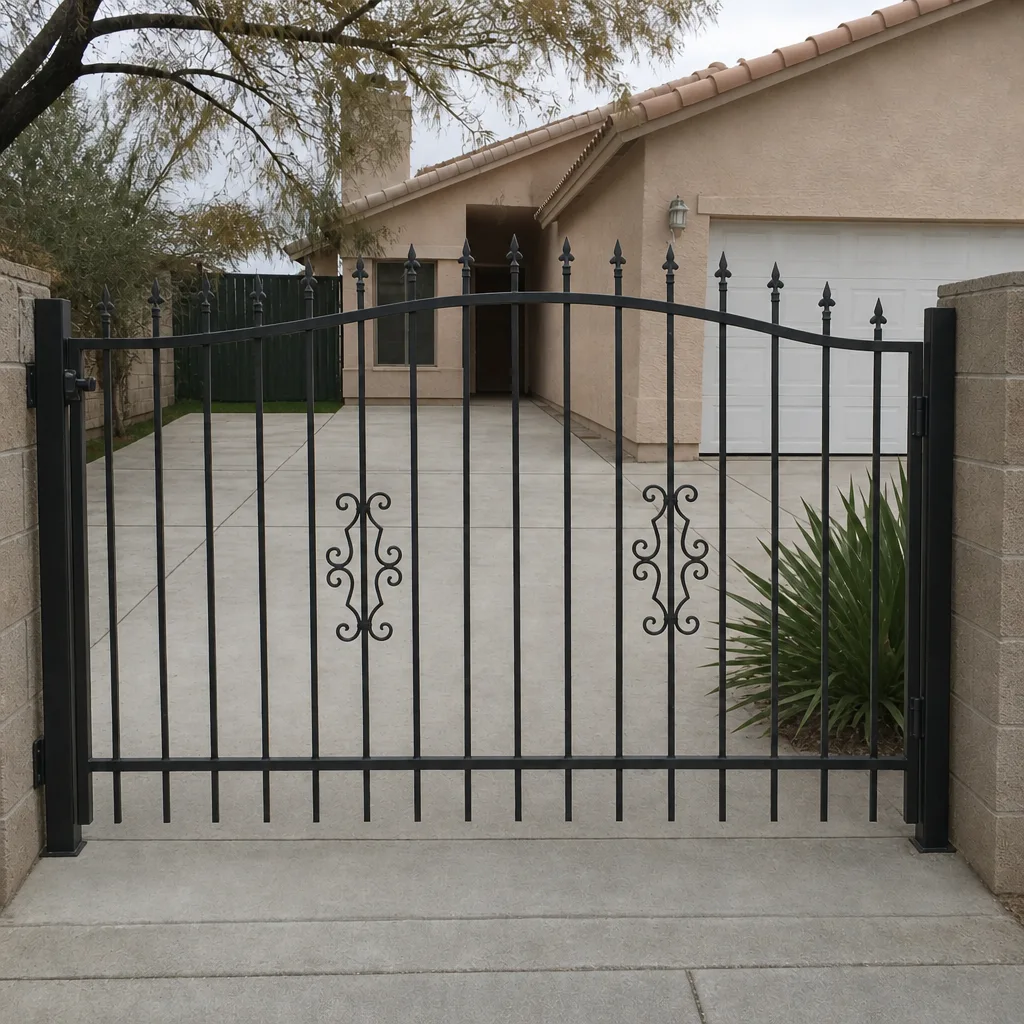 After
 Before
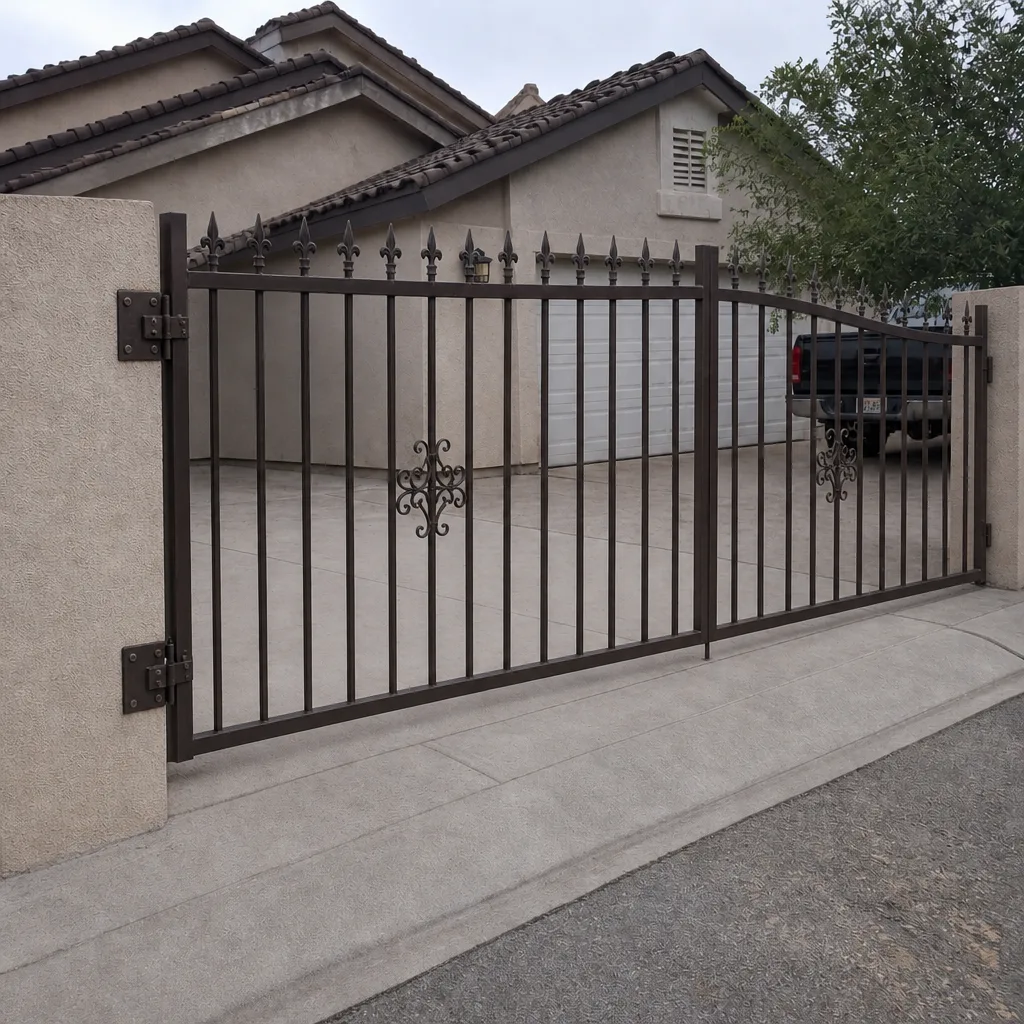 After
Frequently Asked Questions
The earliest warning signs are slowing travel speed, a grinding sound, reduced remote range, and short pauses before the gate responds. Slowness is the one most homeowners notice first and most often misread. If your gate used to open smoothly and now hesitates, that hesitation is the first warning sign, not a normal aging behavior. Call (877) 745-4728 for a free estimate if you’re not sure which warning sign you’re seeing.
That pattern is almost always a thermal cutout, not a motor failure. The operator’s built-in thermal protection shuts the motor down when its internal temperature gets too high, and the motor restarts once it cools. In Centennial Hills heat, this shows up most often on gates with a high cycle count, binding hardware, or an operator mounted in direct sun. A genuinely failing motor fails at all temperatures. If your gate fails only in the heat of the afternoon, the fix is usually hardware adjustment, not motor replacement. Call (877) 745-4728 for a free diagnostic estimate.
That’s usually an electrical problem. Reversing before closing is most often caused by a photo-eye seeing an obstruction, a misaligned sensor, or a failing capacitor on the control board. Mechanical causes are possible (a bind near the close limit), but electrical causes are far more common. A gate that reverses unpredictably is a safety issue and it should be checked by a gate specialist before the gate stays in service. Call (877) 745-4728 for a free estimate.
Keypad lag is the clearest early warning sign. The keypad takes longer to register a code, drops digits, or beeps twice before opening. On DoorKing and Elite systems this lag usually points to a low-voltage supply issue or a failing access board, not the keypad buttons. If your gate gate repair need extends beyond the keypad to the access board or the wiring, that gets diagnosed in the same visit. Call (877) 745-4728 for a free estimate.
Urgent signs are reverse-on-close, complete non-response, grinding that’s getting louder, and loop detectors that open the gate with no vehicle present. Those four are also the ones where a high-voltage or mains-powered operator can pose a genuine risk of injury, so don’t investigate them yourself. Watch-only signs are slow travel that isn’t getting worse, a remote with a short range that improves when you replace its battery, or a single thermal cutout on the hottest day of the year. When in doubt, call. Call (877) 745-4728 for a free estimate.
Yes. The symptoms are brand-agnostic, but the causes are not. A reverse-on-close pattern on a Mighty Mule with mechanical limit switches points to a switch adjustment, while the same symptom on a LiftMaster with an encoder points to a board problem. A technician who works the specific brand you have can tell the difference quickly and avoid replacing a part that’s still serviceable. We work on Ghost Controls, DoorKing, Elite, Mighty Mule, and five other systems, and our approach on every one of them is to Gate Repair Centennial Hills repair what’s there before recommending replacement. Call (877) 745-4728 for a free estimate.
The Bottom Line
Most gate failures are telegraphed weeks in advance by a behavior that seems minor until it isn’t. Slow travel, grinding, reverse-on-close, range loss, and keypad lag are the five signs that carry almost all the warning. Yours fall into two families: intermittent, which usually points to the electrical side, and progressive, which usually points to the mechanical side. In Centennial Hills, the summer heat adds a thermal-cutout pattern that gets misdiagnosed as a dead motor every year. The pattern matters more than the symptom. If the behavior shows up in the same part of travel every time, think mechanical. If it appears and disappears, think electrical. And if any sign involves smoke, a burning smell, or damaged wiring, stop using the gate and call a professional. Warning signs are a chance to repair, not a sentence.
If you’re seeing any of the signs in this guide, call (877) 745-4728 for a free estimate. We answer 24/7. Fast dispatch from 7am to 7pm, Sunday through Friday. We repair what you have before we recommend replacing it, and the price is quoted and agreed before any work starts.
Written by the team at Gate Repair Centennial Hills.